Half-frame: two photos in one
Half-frame cameras fit two small pictures on a single frame of film. MeCam brings the idea to your iPhone: take two shots and get one photo with both side by side.
How to shoot one
Open the menu and tap Half-frame. Press the shutter for the first half; a badge shows Half 1 of 2, and the viewfinder waits for the second. Press again and MeCam saves one photo with your two shots next to each other, with a thin black line between them.
To start over after the first half, tap the × beside the badge. Tap Half-frame again to switch the mode off.
Diptych ideas
A close-up and a wide view of the same place. Morning and evening from the same spot. Two people looking in from each side. A detail, like a hand or a door handle, next to the whole scene. Something small and something huge. Before and after.
Line things up: put the horizon at the same height in both halves, or let a shape in the left half point at the right one. A strong contrast of colour or shape also makes a pair read as one picture.
Same film or two films
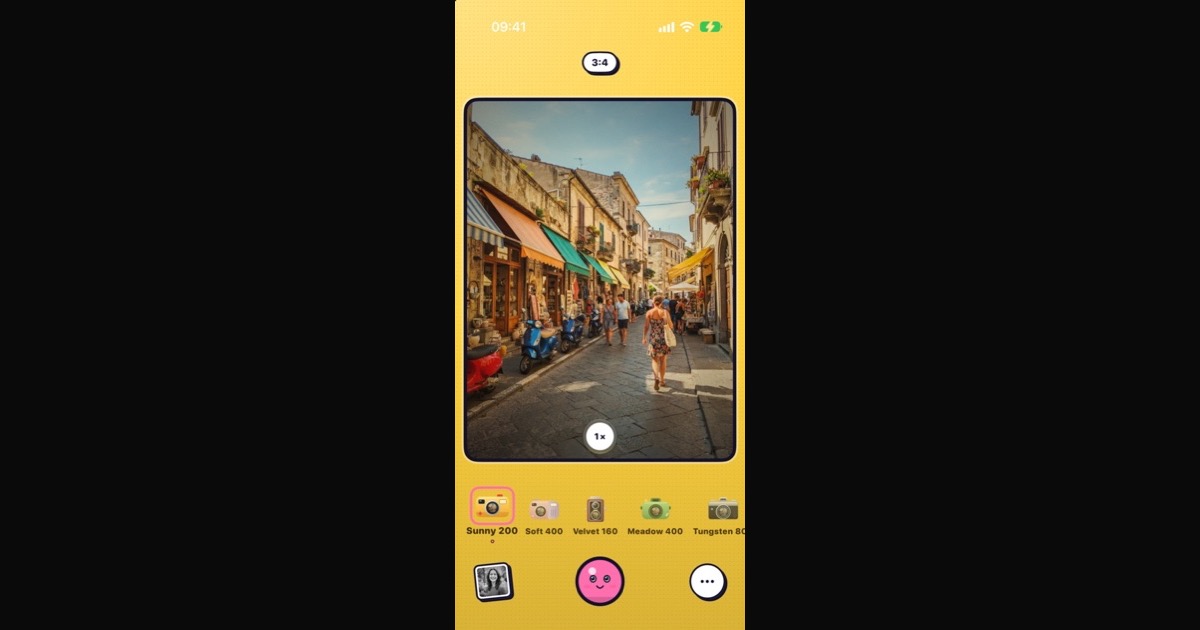
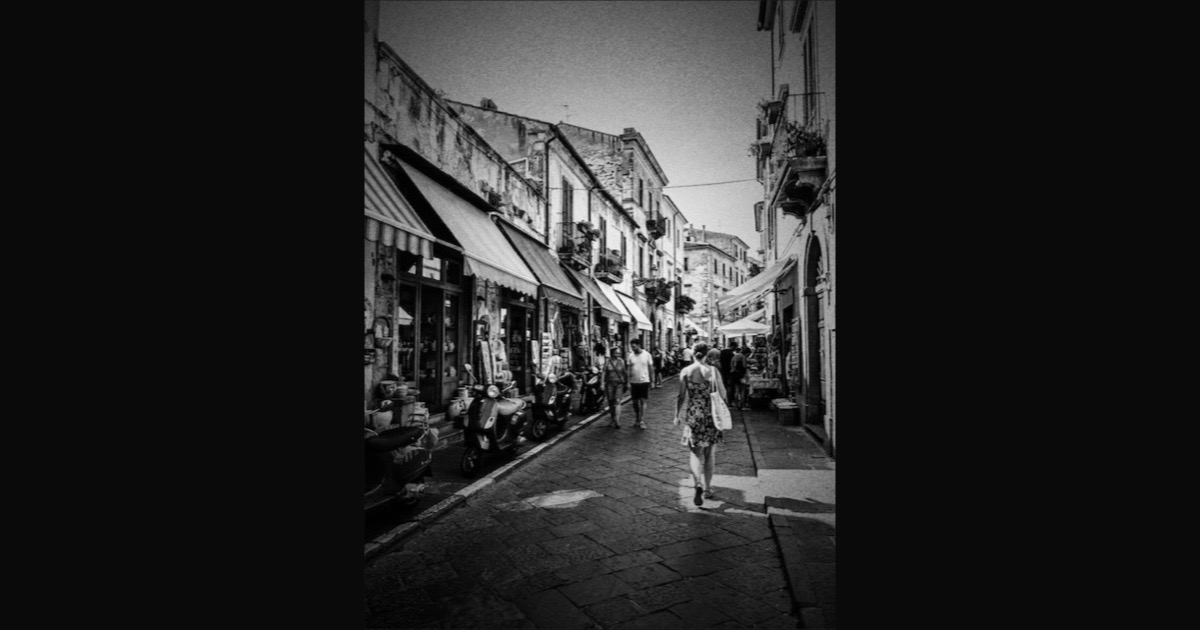
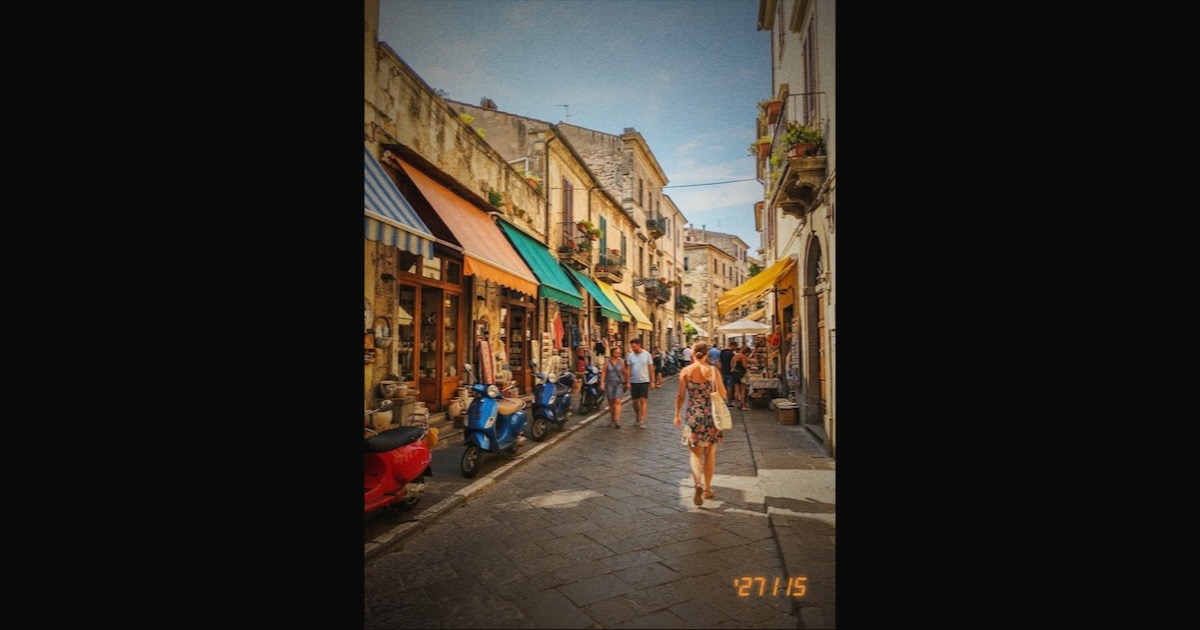
Use one film for a calm, matching pair, or switch film between the two presses for a contrast: a warm Sunny 200 half next to a cool Meadow 400 one, or colour next to Classic BW. If the films differ, both names are saved with the photo.




Finishing touches
The date stamp and light leaks apply as usual, and Settings → Photos → Photo info frame can add a white frame with the film and date under the finished photo. The combined photo is one image in Photos and in the MeCam gallery.
Good to know
Half-frame and Double exposure are two-press modes, and only one can be on at a time. The mode is not in the Lock Screen camera. It is free, with no ads and no account, and everything happens on your iPhone.