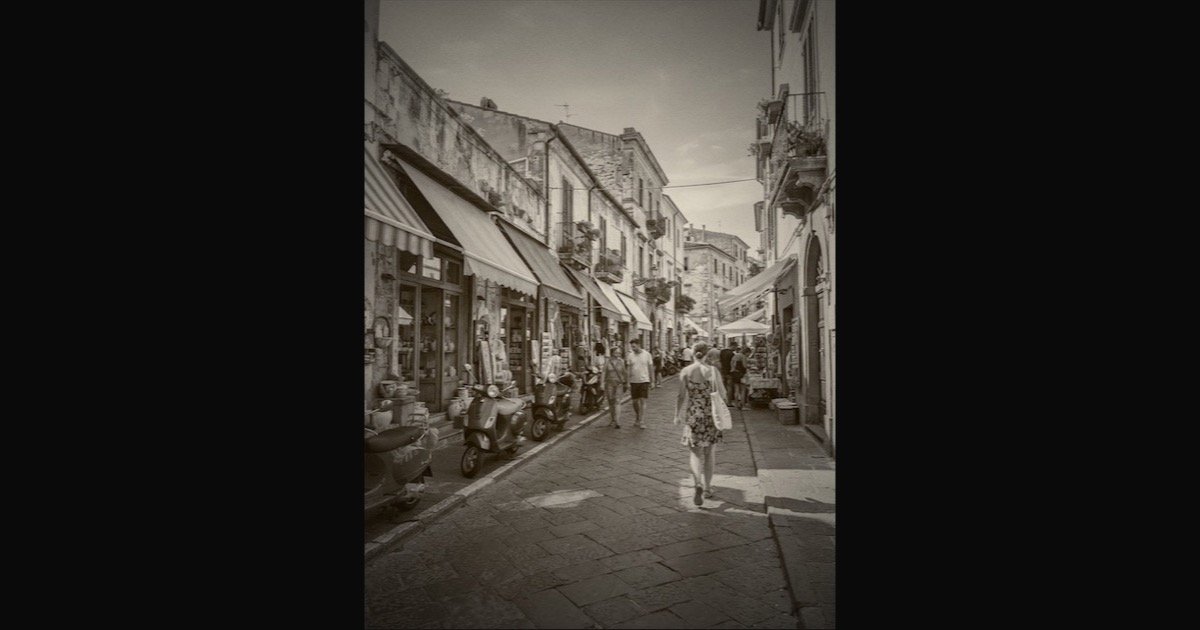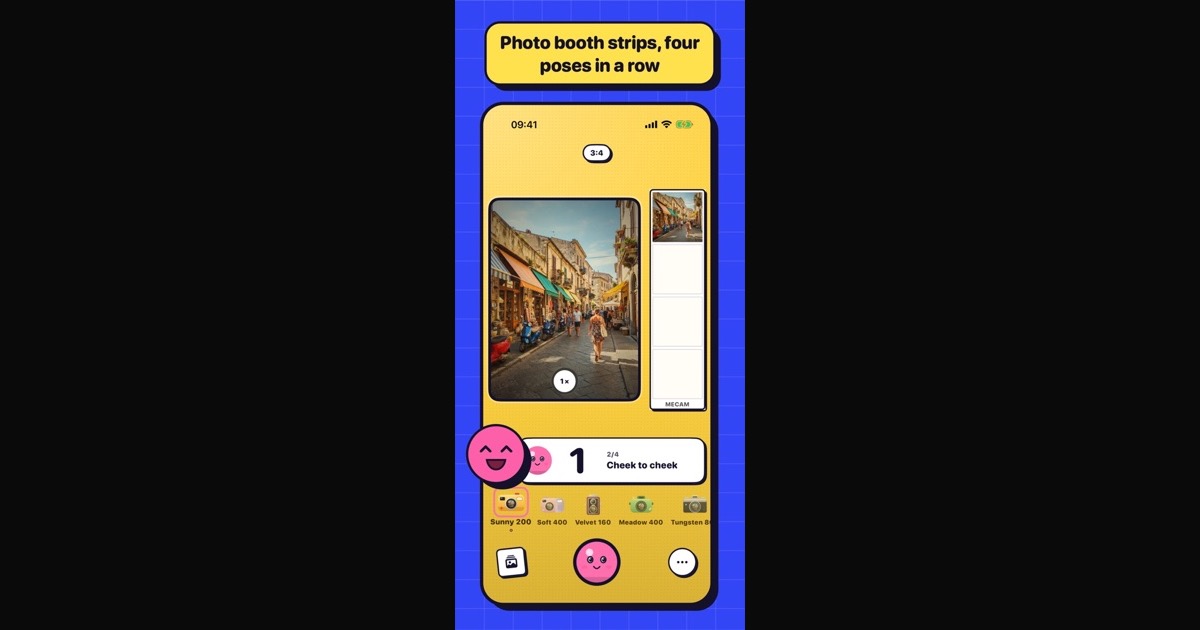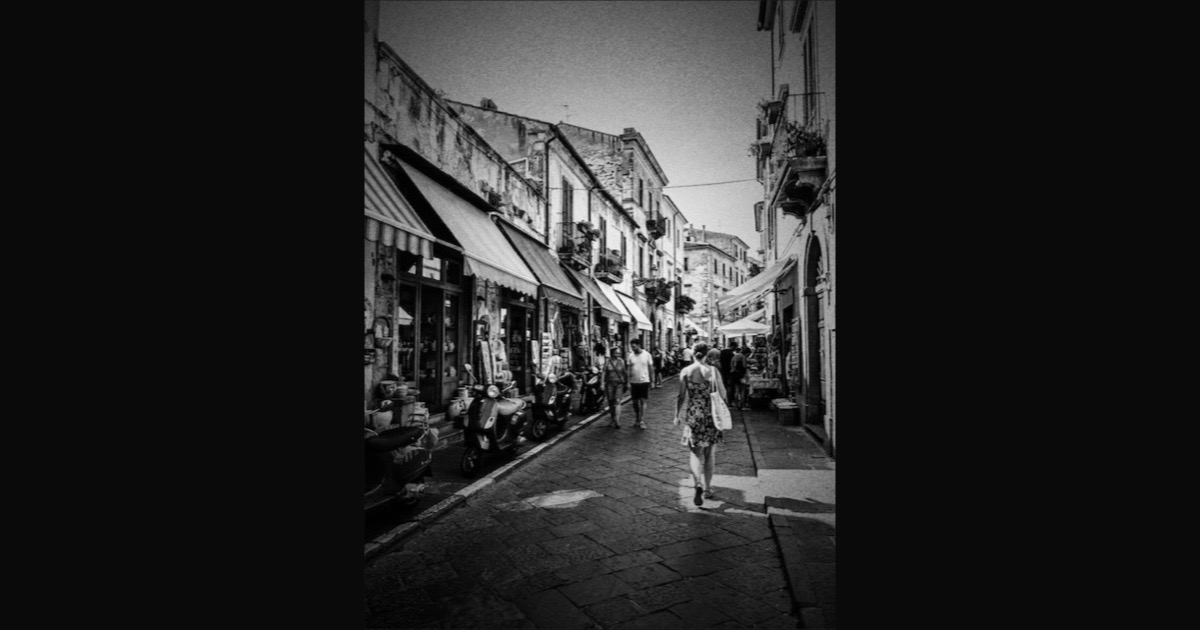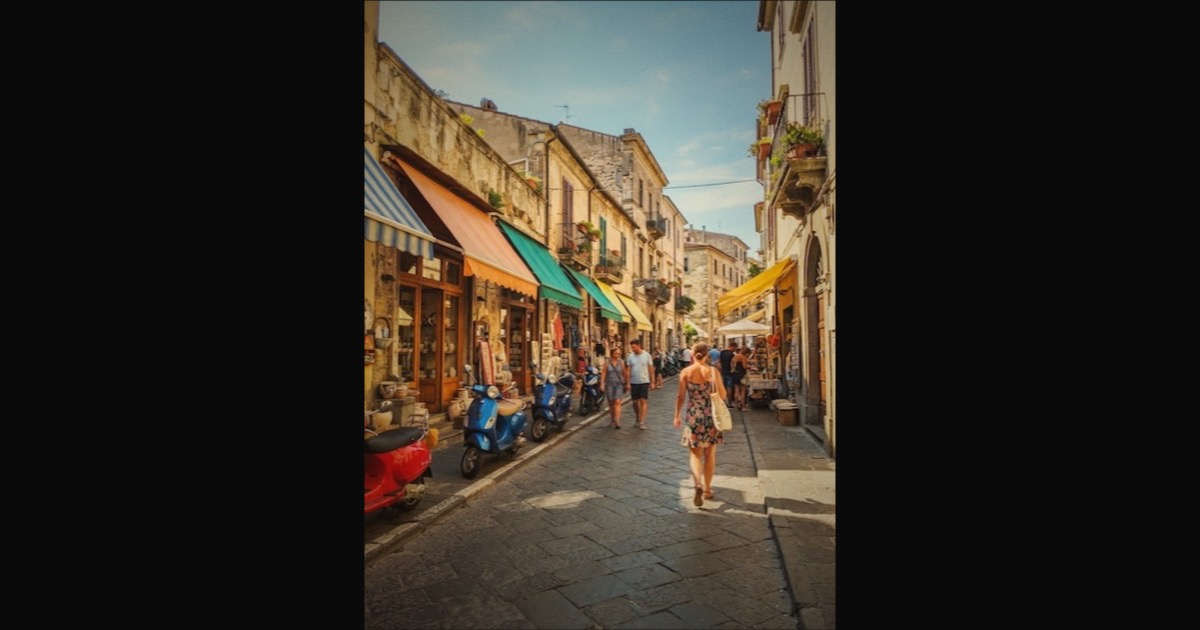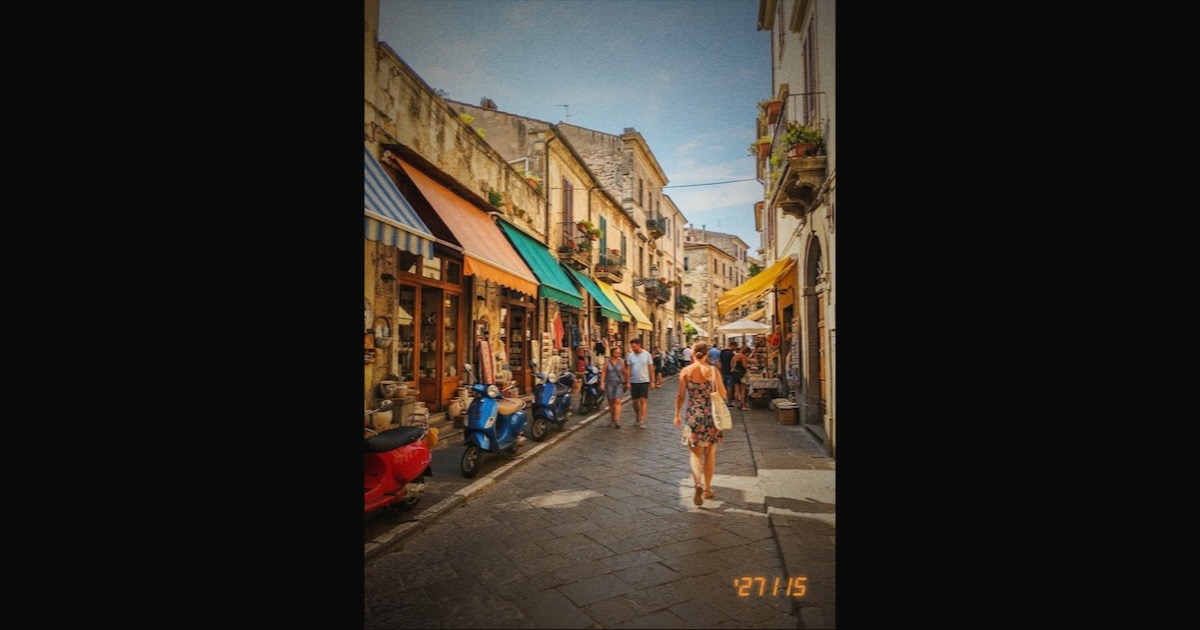
The film look on iPhone, without editing
Most film apps make you shoot first and fix the photo later. MeCam works the other way round: the film is already on the viewfinder, so the photo you press for is the photo you keep.
The film develops in the viewfinder
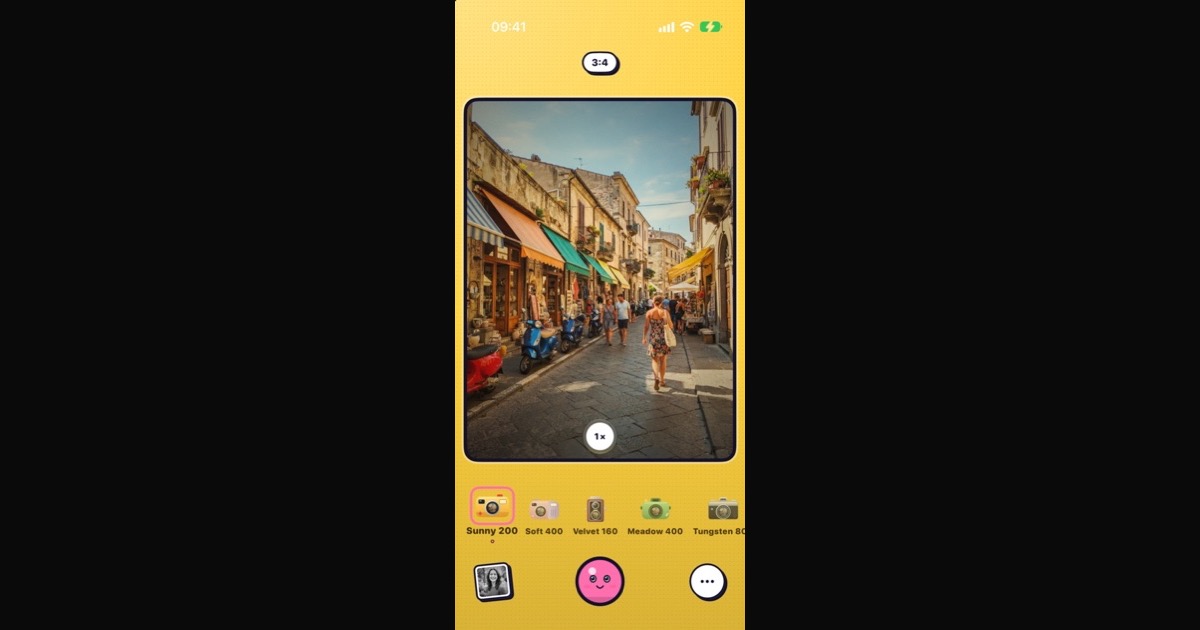
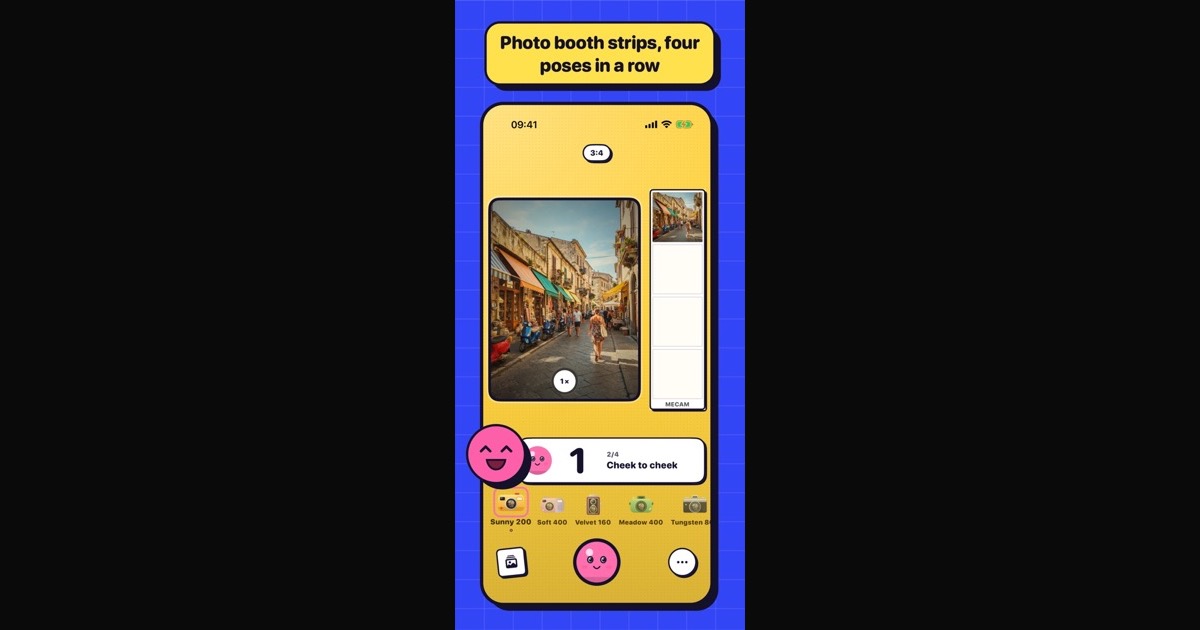
Pick a film in the strip under the viewfinder, or swipe across the viewfinder, and the picture changes at once. Colour, contrast, fade and grain are all there before you press the shutter.
The saved photo goes through the same steps as the live picture, so it looks exactly like what you framed. There is no editing screen afterwards and nothing to export.


Fine-tune before the shot, not after
Open the menu and tap Adjust for three sliders: temperature (cooler or warmer), exposure (darker or brighter) and strength (how much of the film you want, from none to full). Each film remembers its own settings.
Tap the viewfinder to focus and set the exposure on a face or a bright window. Hold the selected film in the strip to peek at the scene without the film, then let go to see it again.
Dark scenes stay clean
In the dark, a film look can turn grey and blotchy. MeCam notices when the scene gets dark and keeps blacks deep and colour noise down, in the viewfinder and in the saved photo alike. Films made for the night, like Tungsten 800, Neon 500T and Noir 3200, lean into it.
Keep the original too, if you like
Settings → Photos → Also save the original adds a second, plain photo next to each film photo. It is off by default. You can also put the date stamp on every film, add a light leak or a little dust, or shoot square, tall or half-frame.
Free and on your iPhone
All sixteen films are free, with no ads, no in-app purchases and no account. Photos are made on your iPhone and saved to Photos; MeCam does not connect to the internet.