The disposable camera look
Part of a disposable camera's charm is the ritual: a fixed number of shots, no peeking, a wait for the lab. MeCam can do all of that, switched on by you and never in the way.
Start with the film
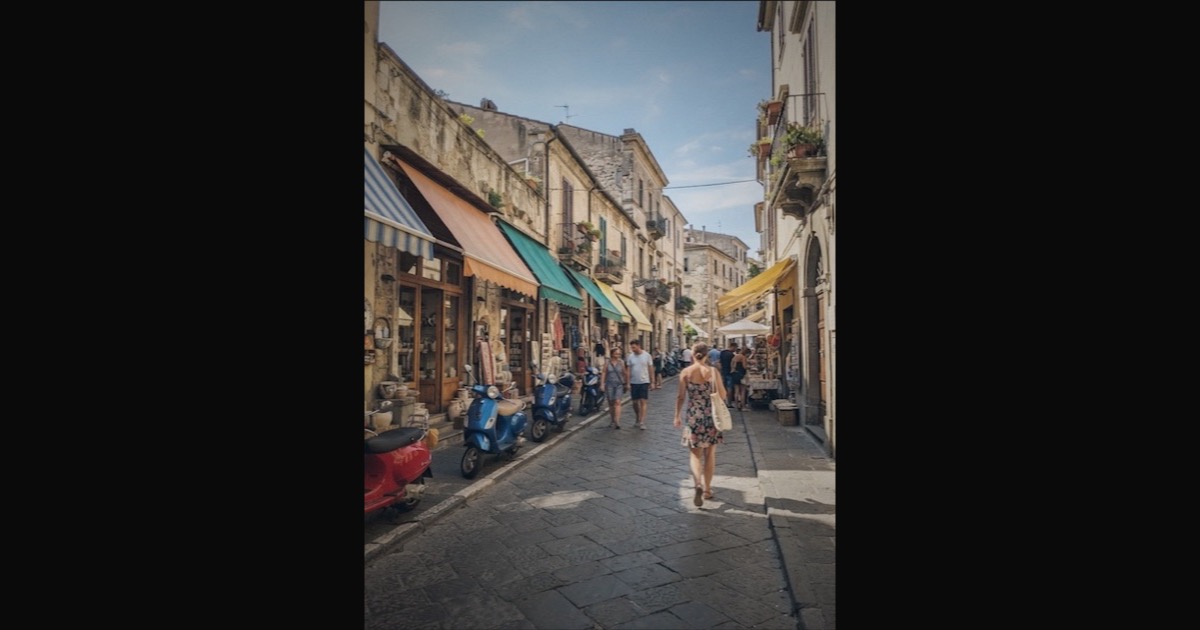
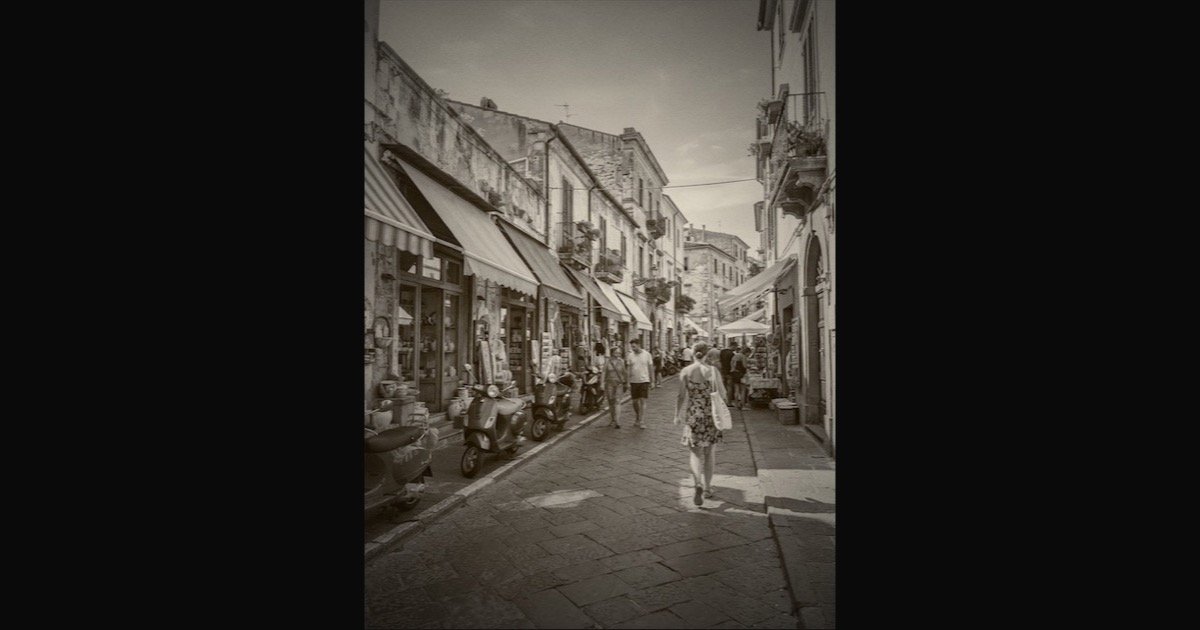
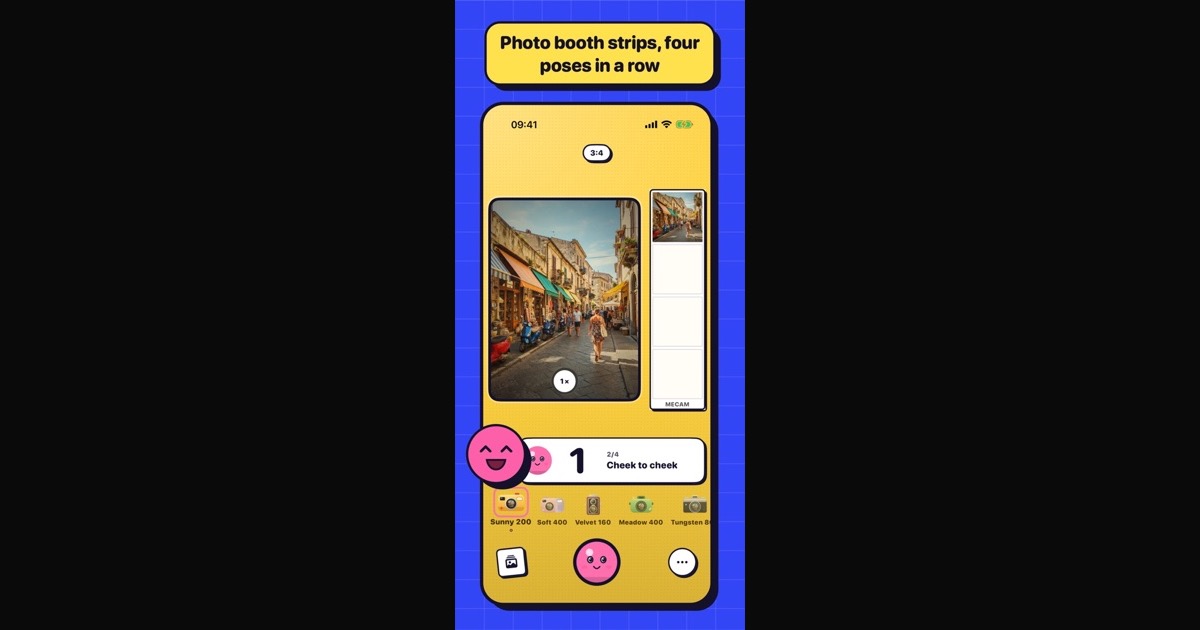
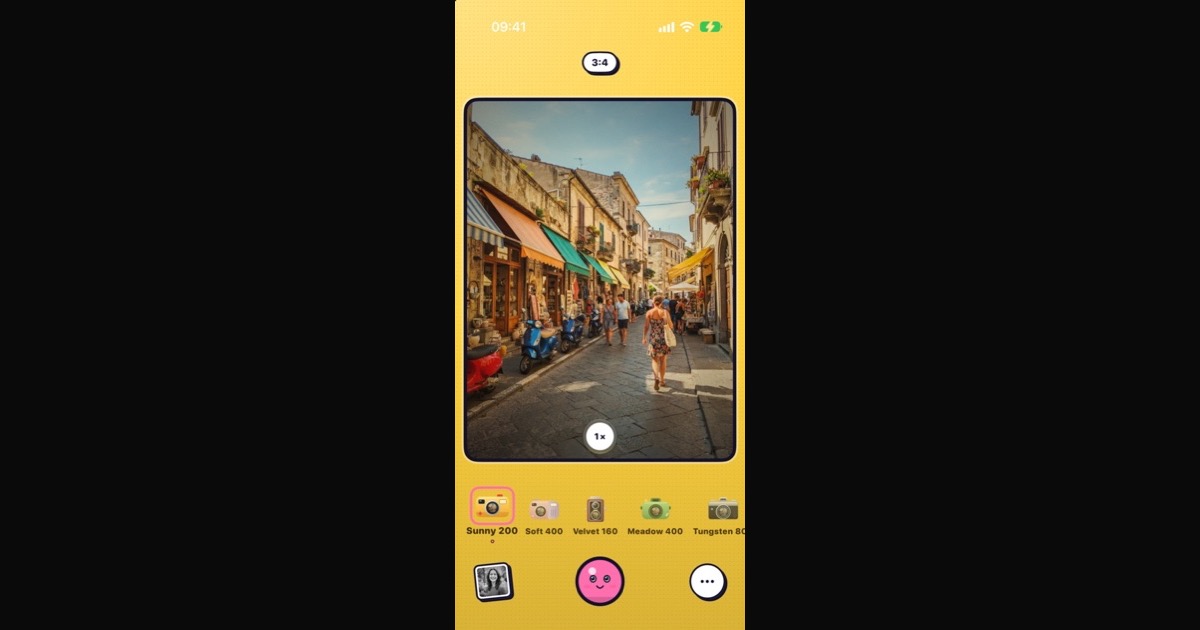
Disposable '98 is the look: punchy colour, light leaks and an orange date stamp, best with the flash on. Expired '04, Instant and Faded '79 bring other kinds of old-snapshot charm. All of them show live in the viewfinder.




A roll of 27
Turn on Settings → Film roll and MeCam counts your shots on each film, 27 to a roll: the top bar shows Frame 3 of 27. Every film has its own roll. You can always keep shooting; at frame 27 the roll rewinds and the next photo is frame 1 of a new one.
The roll is a counter, not a limit. The film roll is off until you turn it on.
The contact sheet
When a roll is full, MeCam gathers its 27 shots on one contact sheet, three across and nine down, and saves it to Photos and the gallery. It is the same sheet a lab sends back with the prints. The option Contact sheet at the end of a roll sits under Film roll and is on by default.
The roll receipt
After a roll you also get a receipt from MECAM PHOTO LAB: the contact sheet, how many shots you took on each film, your top vibe and stickers for things like golden-hour or late-night shots. Share it as a picture.
Develop later
Open the menu and tap Develop later. New photos stay sealed for an hour, like film at the lab; the gallery shows a countdown, then the photos appear in the gallery and Photos. If MeCam was closed, they appear the next time you open it, and a notification tells you when they are ready (MeCam asks permission when you turn the mode on).
Develop later keeps your photos safe on your iPhone during that hour and works with every film.
Free and private
Everything here is free, with no ads and no account. Rolls, contact sheets and receipts are made on your iPhone, and your photos go nowhere else.